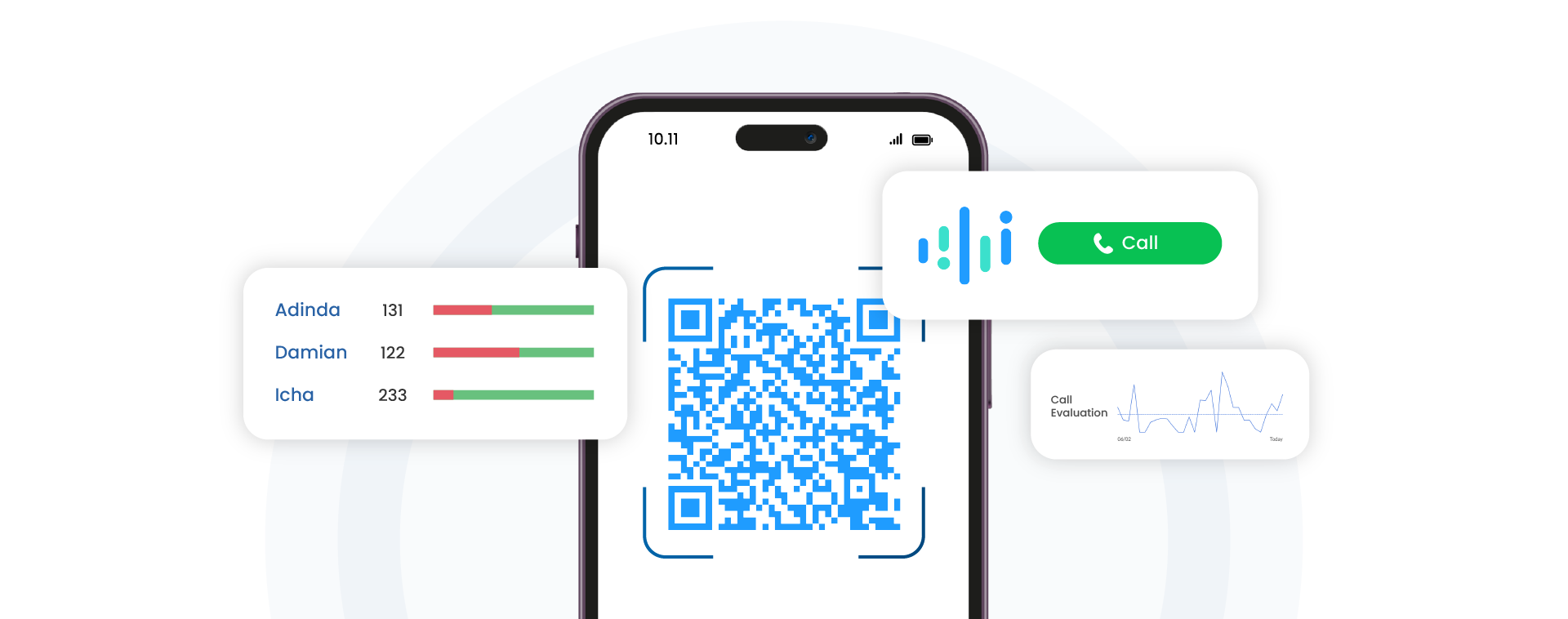
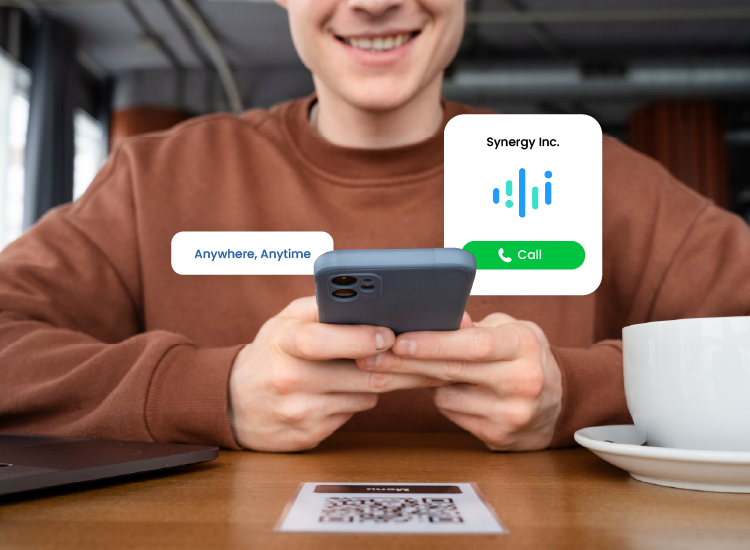
Customers can connect instantly through a QR code or a call link
No Phone Credit, SIM Card, or Roaming Required
No Phone Numbers to Type or Contacts to Save
Call Directly from a Browser with No App Installation
Trusted by Leading Businesses in Indonesia
Scan, Start a Call, andConnect!
MiiTel Scan to Call gives your business a dedicated QR Code or Call Link that customers can use to reach you instantly. Customers simply scan or click, and the call starts directly through the internet.
More than just a QR code, every conversation can be recorded, transcribed, analyzed, and managed through the MiiTel platform.
Place your QR Code or Call Link anywhere your customers interact with your brand:
Website & mobile app
Social media & emails
Brochures, banners & packaging
Business cards
Tablets, lobby screens & hotel room displays
Powerful Features,Built for Business
AI Analytics
Automatically record, transcribe, summarize, and analyze every customer conversation.
Call Transfer
Transfer calls seamlessly to the right agent, department, or location.
IVR
Guide callers with automated menus (Press 1 for Sales...)
Custom Branding
Customize your QR Code and calling experience with your company's branding.
Customer Form
Collect customer information before the call begins to improve service quality.
CRM Integration
Sync customer interactions and call records with your existing CRM and business systems.
Why Do Businesses ChooseMiiTel Scan to Call?
Cost-Effective for Businesses
Customize your QR Code and calling experience with your company's branding.
Quick Setup
Collect customer information before the call begins to improve service quality.
Free for Customers
Sync customer interactions and call records with your existing CRM and business systems.
Centralized Call Dashboard
Access recordings, transcripts, summaries, and insights in one place.
Convenient and Accessible
Start calls instantly from a smartphone or laptop browser.
Built forCustomer-Facing Teams
Customer Service & Support
Reservations & Bookings
Sales & Inquiries
Emergency & Security Response
Frequently AskedQuestions
What is MiiTel Scan to Call?
MiiTel Scan to Call is a feature that allows customers to make a voice call simply by scanning a QR code or clicking a Call Link without needing to dial a phone number manually. The call is made over the internet (VoIP/data), not through a traditional cellular network.
Is Scan to Call only for inbound calls?
Yes, Scan to Call supports inbound calls only. Customers initiate contact with the company by scanning the QR code or clicking the link
Can I set up call routing or IVR for Scan to Call?
Yes. Incoming calls can be routed directly to specific agents, departments, teams, IVR menus, voicemail, or different business locations. You can also create multiple QR Codes with different routing destinations.
Do customers need to install an app?
No. Customers can start a call directly from their browser by scanning a QR code or clicking a call link. No app installation is required.
Do I need to use MiiTel Phone first before I can use Scan to Call?
Yes. MiiTel Scan to Call is an additional feature that operates on top of the MiiTel Phone platform.
Is MiiTel Scan to Call available in my country?
MiiTel Scan to Call is currently available for businesses registered and operating in Indonesia. However, your customers can call from anywhere in the world, no local SIM or roaming needed.
How much does MiiTel Scan to Call cost?
Pricing varies based on your team size, features, and usage. Fill out our free demo form and our Sales team will get back to you with the best package for your needs.
Ready to SeeMiiTel Scan to Callin Action?
Book a free demo and discover how effortless customer communication can be.
After submitting this form, you will get the E-Book download link.